Privacy and Control
AI for managing the practice, with lawyer review built in.
MatterMind is designed for legal practice operations. It helps surface management signals and prepare routine next steps while keeping judgment, approval, and client relationships with your firm.
No credit card · Review every send · Setup in about 30 minutes
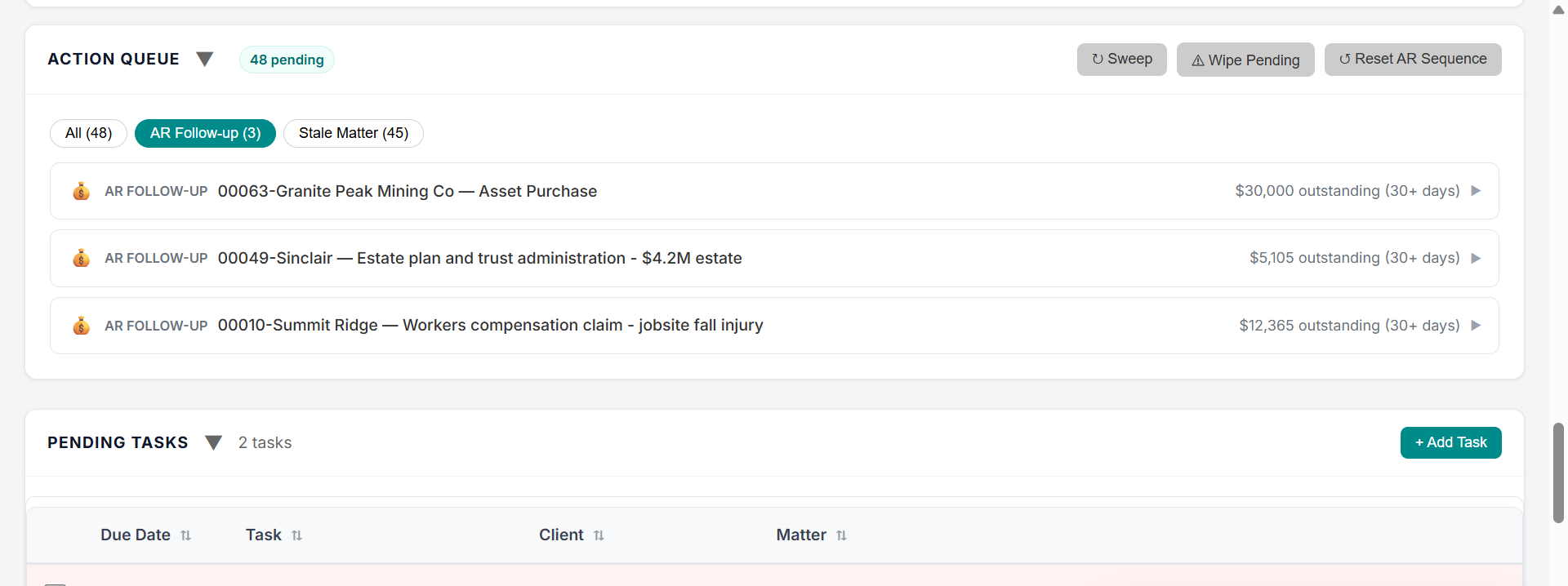
Every prepared item is reviewed by a lawyer or team member before action.
AI helps with operational management.
MatterMind uses AI to help interpret practice signals, answer operational questions, and prepare routine next steps for review.
- Follow-up drafts
- Assistant handoffs
- Stale matter prompts
- Billing review prompts
- Plain-English operational answers
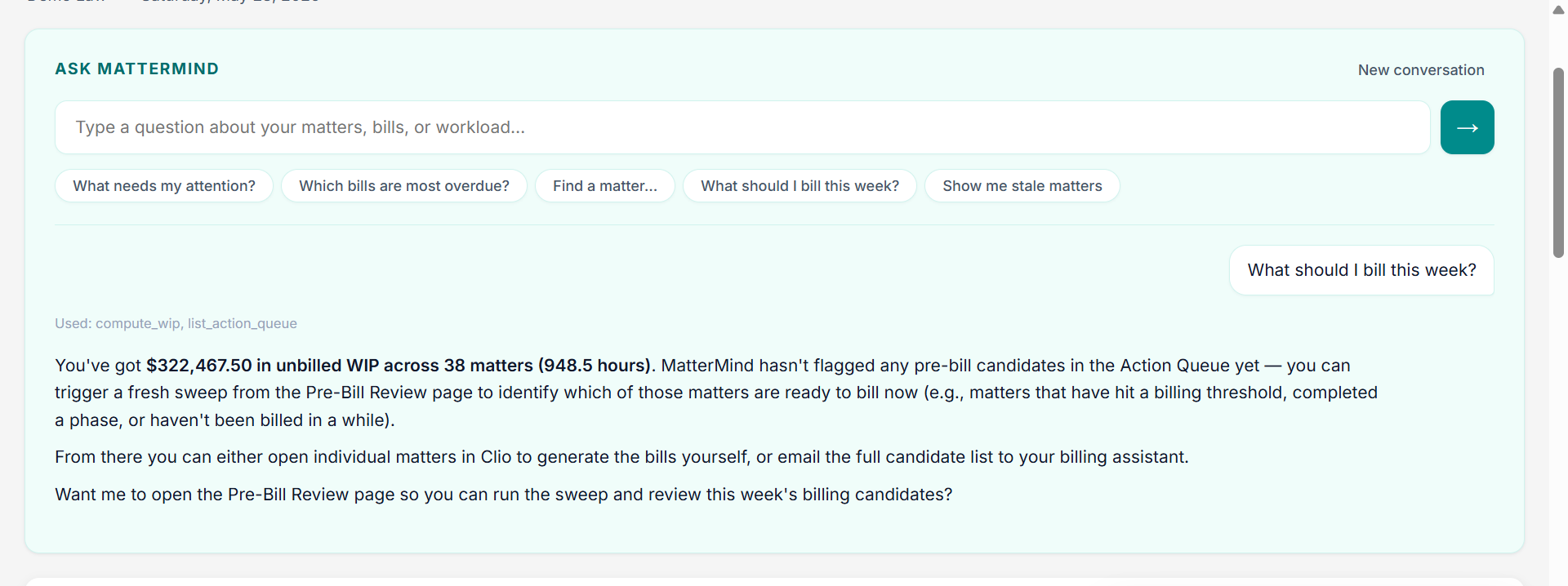
MatterMind is not an AI lawyer.
MatterMind is not designed to provide legal advice, replace legal judgment, draft substantive legal work, or send client-facing messages without review.
Does
- Operational visibility across matters, money, workflow, and daily priorities
- Next-step preparation for routine operational items
- Plain-English answers about your practice operations
- Handoff and review prompts for your team
Does not
- Provide legal advice
- Draft substantive legal work
- Send client-facing messages on autopilot
- Replace lawyer judgment on a matter
Nothing client-facing goes out without review.
MatterMind prepares drafts and prompts. You or your team review, edit, approve, delegate, or dismiss.
The product is built so the lawyer or team holds the decision at every client-facing step.
Use only what is needed.
Practice operations often require operational context, not unnecessary exposure of sensitive details. MatterMind is implemented to minimize unnecessary client identifiers and limit information sent to AI systems where possible.
Security and data handling.
- Encryption in transit and at rest
- OAuth-based connections where applicable
- No password sharing
- Role-conscious access where applicable
- Data export on request
- Cancellation process documented in the Privacy Policy
- Vendor disclosures where applicable
- No training on firm data unless expressly disclosed and permitted
Privacy questions.
Use AI for management support, not legal autopilot.
Start a 30-day trial and see MatterMind work with lawyer review at the center.
No credit card · Review every send · Setup in about 30 minutes